Dear Aurora,
Perhaps your internet connection was slow when you tried to access the audio file and that is why a blank screen showed up. In general, if you click on a link ...
tiếp...
Dear Aurora,
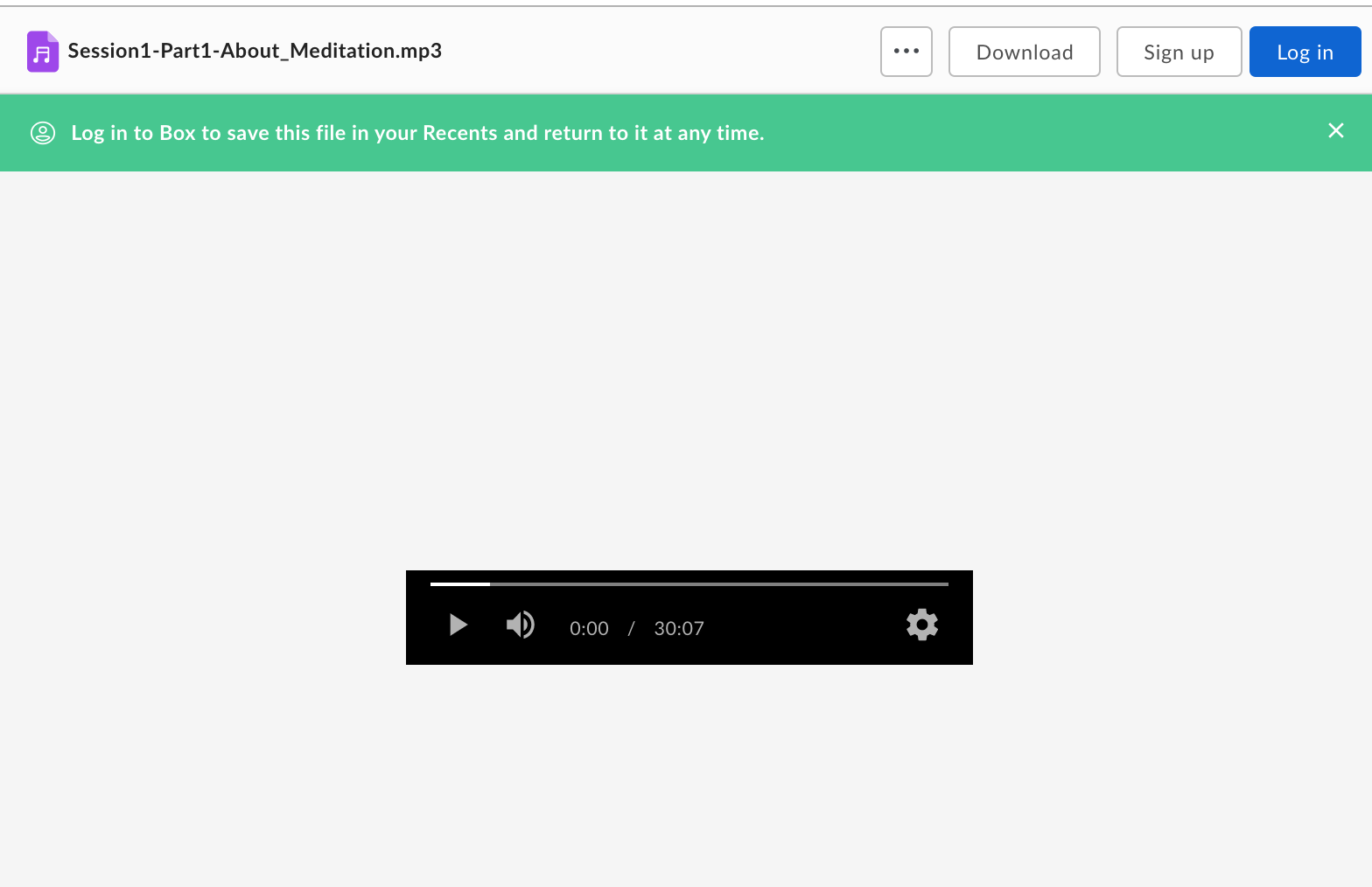
Perhaps your internet connection was slow when you tried to access the audio file and that is why a blank screen showed up. In general, if you click on a link to an individual audio file, a page that looks like this will open up:
When you click on the Download button in the upper right hand corner, the audio file should download to your computer.
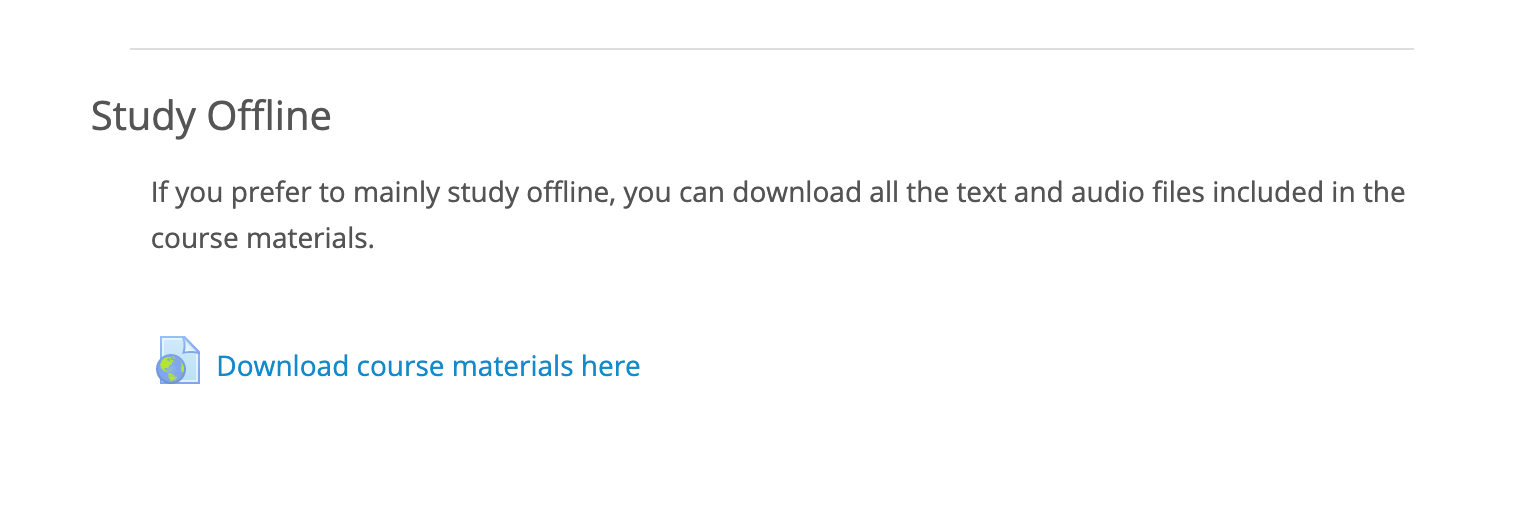
However, if you would like to download all the audio files for the entire course, the best thing to do is to go do the section "Study Offline" on the main page of the course:
Then go to the folder Meditation 101 audio files where you will find two folders, one with the audio of the teachings and one with the audio of the recordings. You will need to select the file or files that you want to download, and then click on the Download button.
Please let me know if this works. Otherwise, you can email me at fpc@fpmt.org. Joan
Joan Nicell
Foundational Program Coordinator
FPMT Education Services